H4OS System Overview
The H4OS tools are designed around the real jobs involved in running an OpenSimulator grid: managing regions, handling backups and restores, deploying new regions, monitoring connected services, and giving owners access to the controls they need.
Account & Region Access
Residents and owners can use the account dashboard, Region Panel, My Regions, support tools, and grid-status information from the web portal.
Grid Administration
Grid-owner quick access includes Region Guardian, Region Server SSL, Deploy Region, OAR Manager, logs, access controls, registration tools, and maintenance controls.
Backup & Recovery
H4OS includes OAR save, upload, placement, and recovery workflows along with region-owner backup and restore tools.
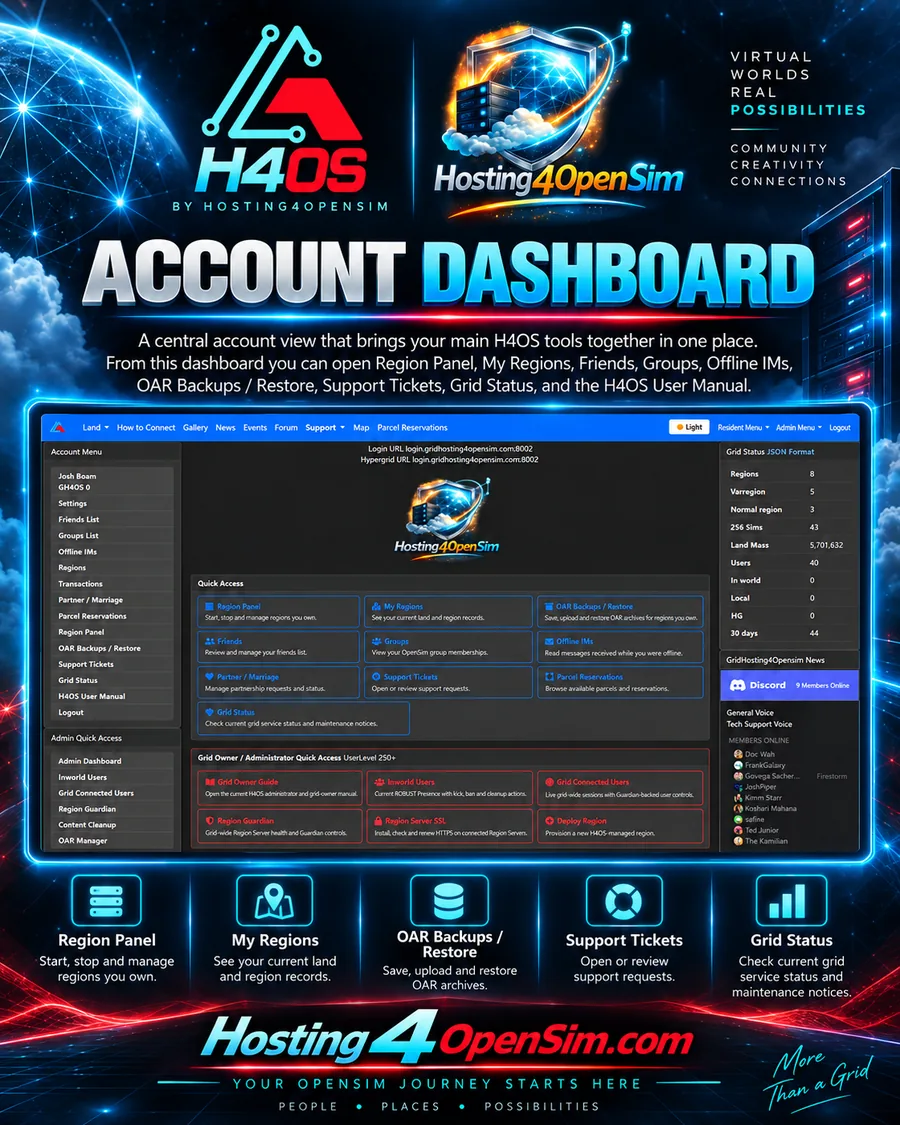
Account Dashboard & Region Owner Tools
The account dashboard brings the resident and region-owner tools together in one place. Region owners get their own panel rather than having to contact support for every routine action.
- Region Panel access
- My Regions and region records
- OAR Backups / Restore
- Friends, Groups, and Offline IMs
- Support Tickets and Grid Status
- H4OS User Manual access
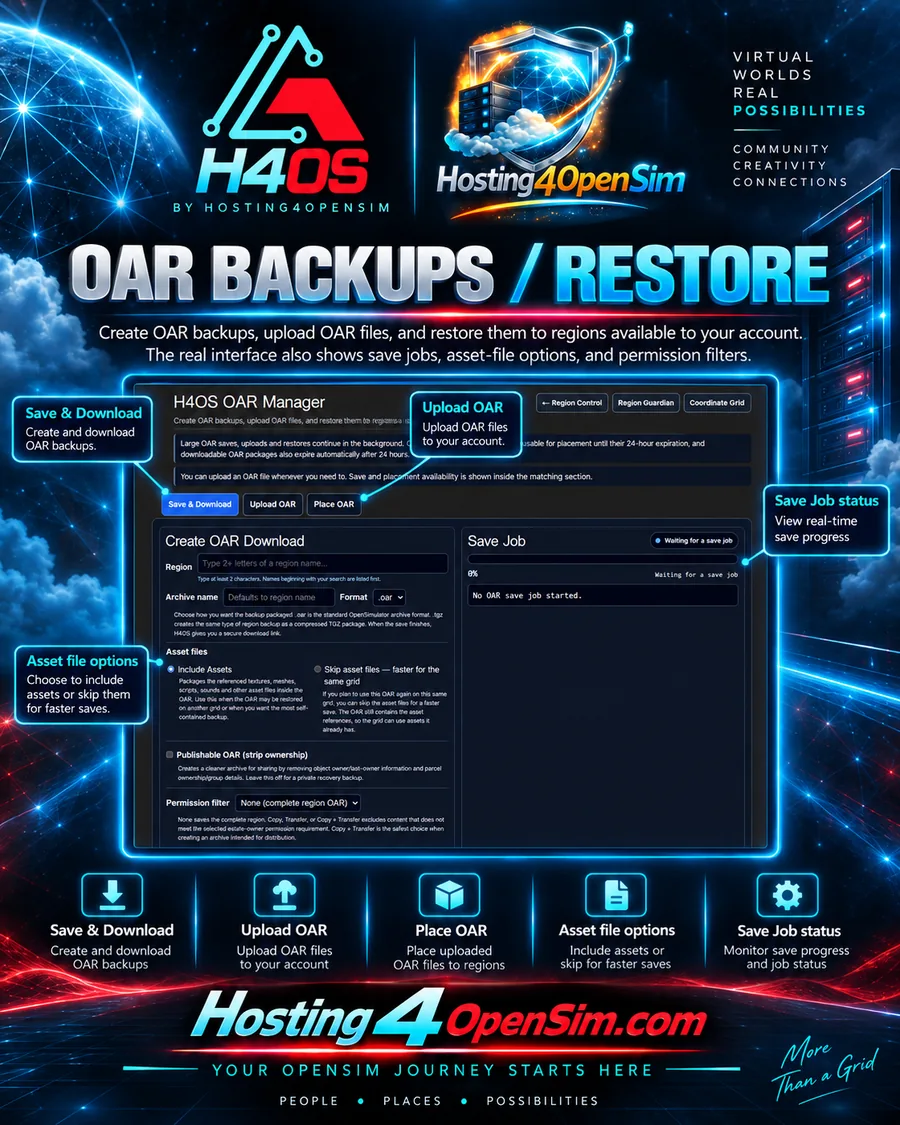
OAR Backups / Restore
The H4OS OAR Manager provides grid owners with a web workflow for saving, uploading, and placing OpenSimulator Archive files.
- Save & Download OAR archives
- Upload OAR files for later placement
- Place uploaded OARs onto available regions
- Choose whether asset files are included
- Create publishable OARs with ownership information stripped
- Use permission filters when preparing archives for distribution
- Track save-job progress from the web interface
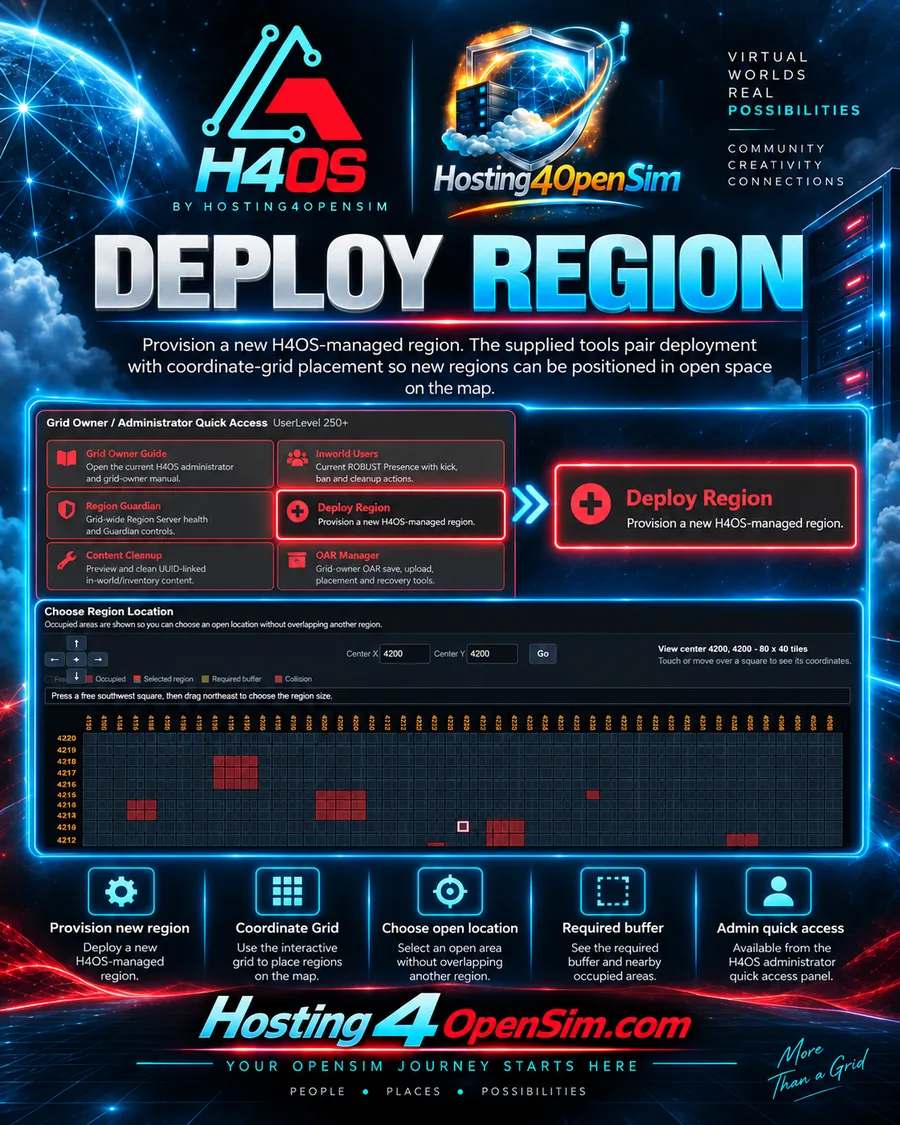
Deploy Region & Coordinate Grid
Grid owners can provision a new H4OS-managed region and use the coordinate-grid view to choose a map position before placing it.
- Deploy Region from the administrator quick-access area
- Choose map coordinates from the web interface
- See free and occupied spaces
- See the selected region area
- See required buffer space and collisions
- Move directly to a Center X / Center Y location
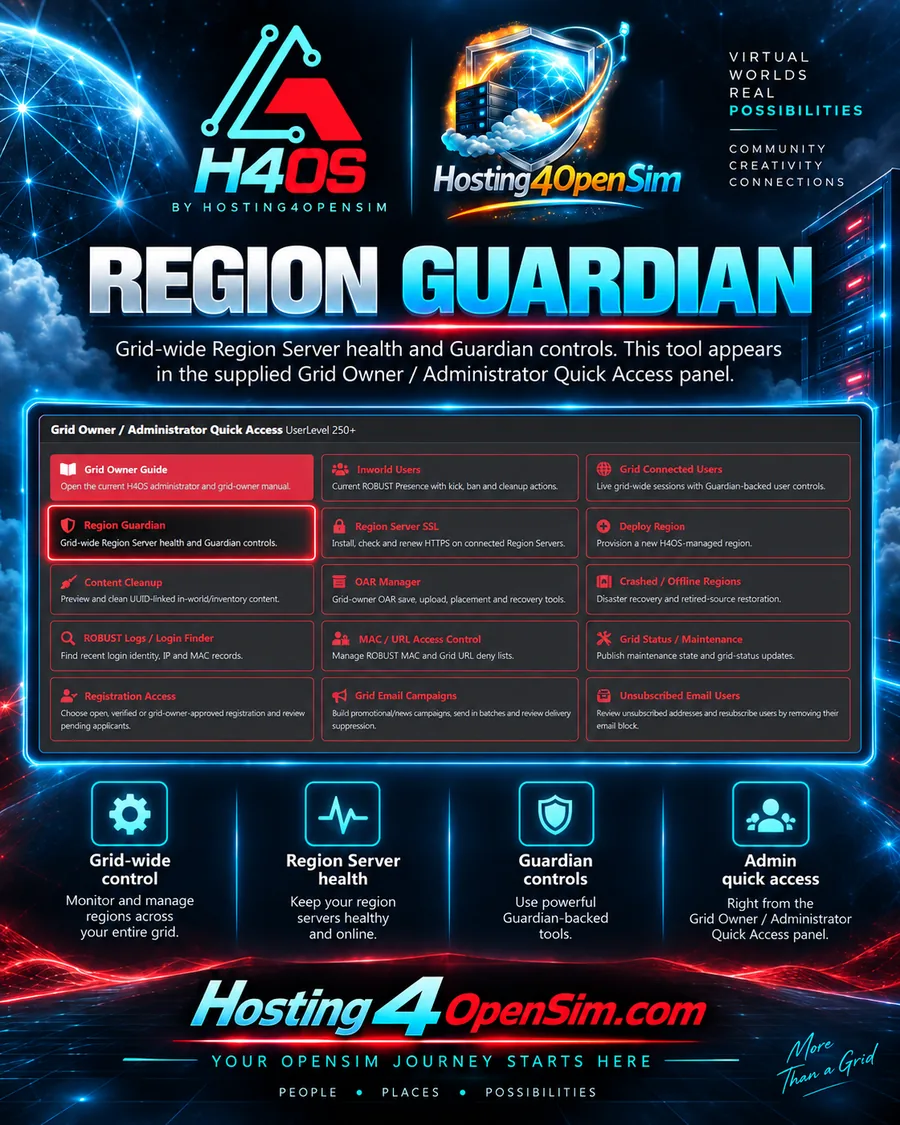
Region Guardian & Region Server SSL
H4OS includes grid-owner tools for monitoring and maintaining connected Region Servers.
Region Guardian
Region Guardian provides grid-wide Region Server health and Guardian controls from the administrator interface.
Region Server SSL
The Region Server SSL tool is designed to install, check, and renew HTTPS on connected Region Servers.
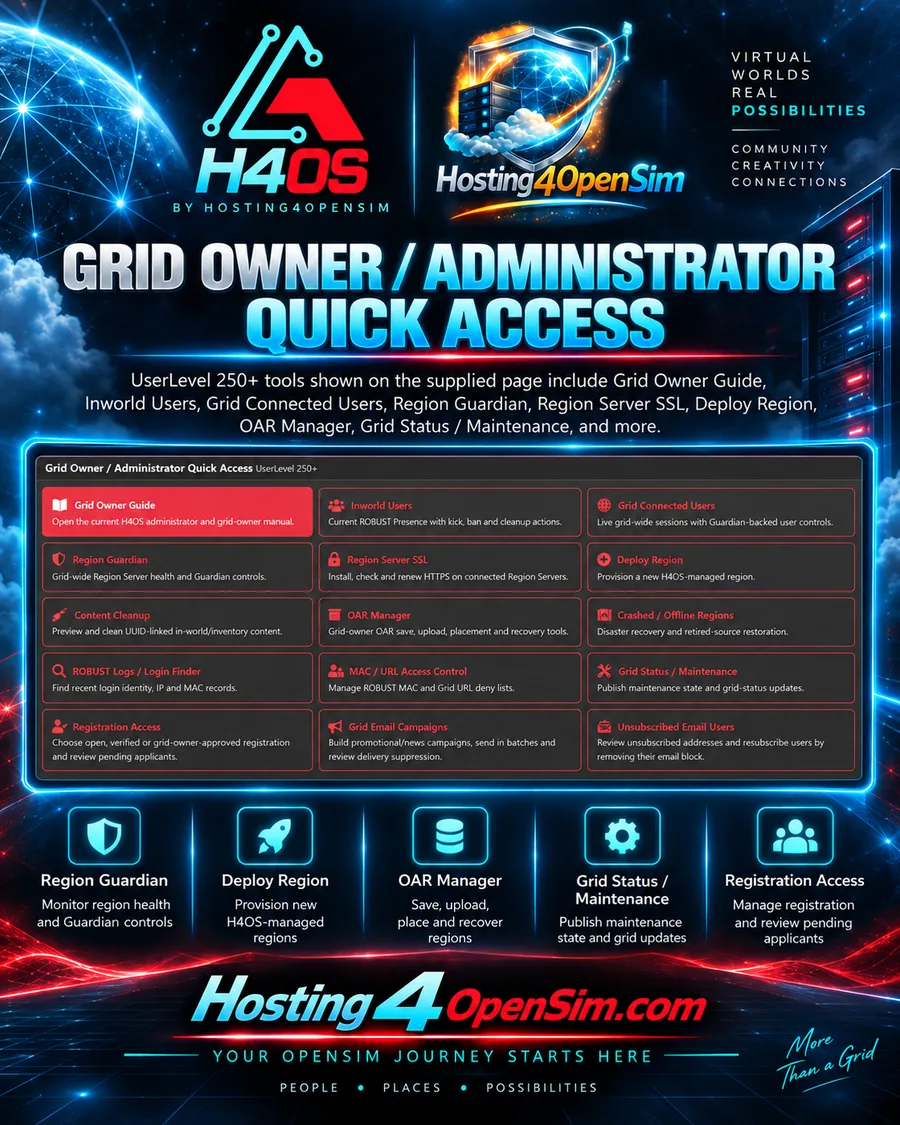
Grid Owner / Administrator Quick Access
The administrator panel provides quick access to the H4OS tools used to operate and support a grid. The supplied interface identifies this area for UserLevel 250+ administrators.
- Grid Owner Guide
- Inworld Users and Grid Connected Users
- Region Guardian and Region Server SSL
- Deploy Region and OAR Manager
- Content Cleanup and Crashed / Offline Regions
- ROBUST Logs / Login Finder
- MAC / URL Access Control
- Grid Status / Maintenance
- Registration Access
- Grid Email Campaigns and Unsubscribed Email Users
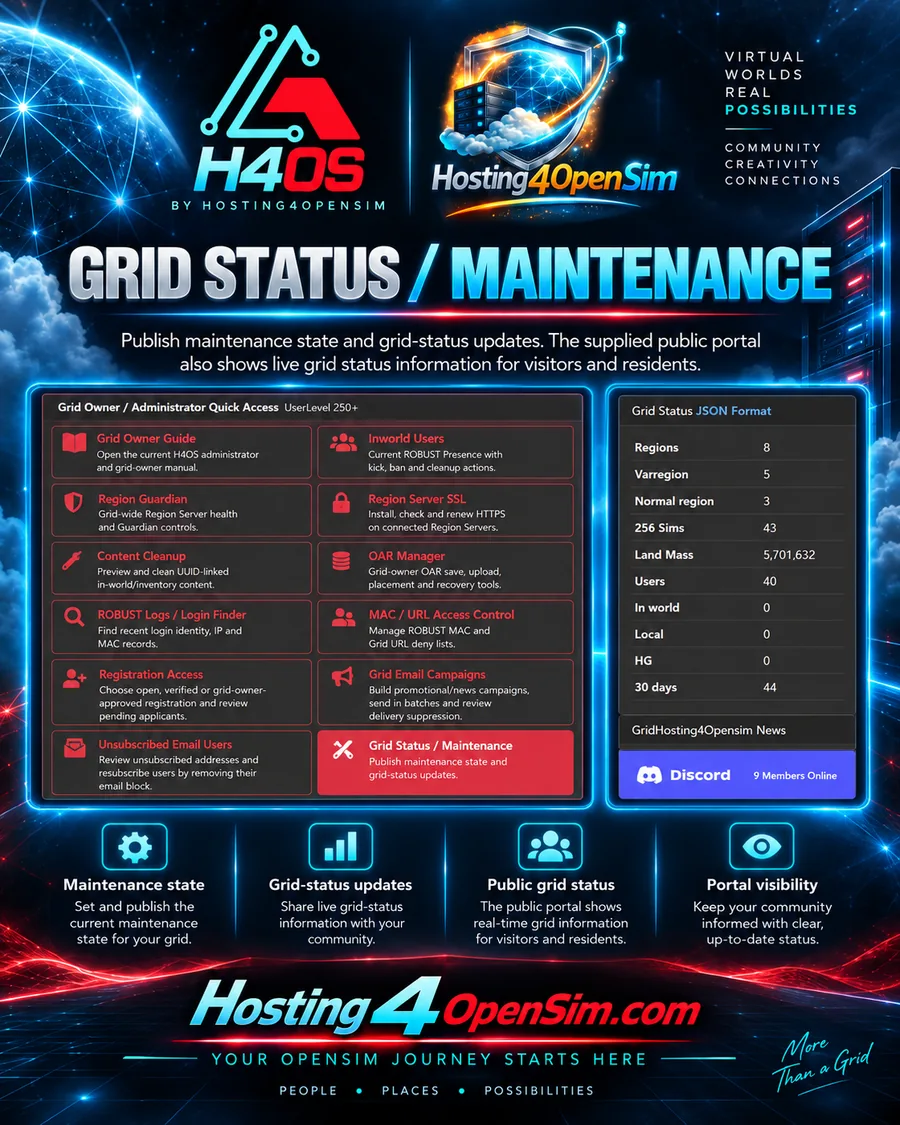
Grid Status / Maintenance
Administrators can publish maintenance state and grid-status updates, while the public portal can display current grid information to visitors and residents.
This keeps operational information visible without requiring users to contact staff just to find out whether the grid is in maintenance or what the current public status shows.
Back to Main Page Visit Store